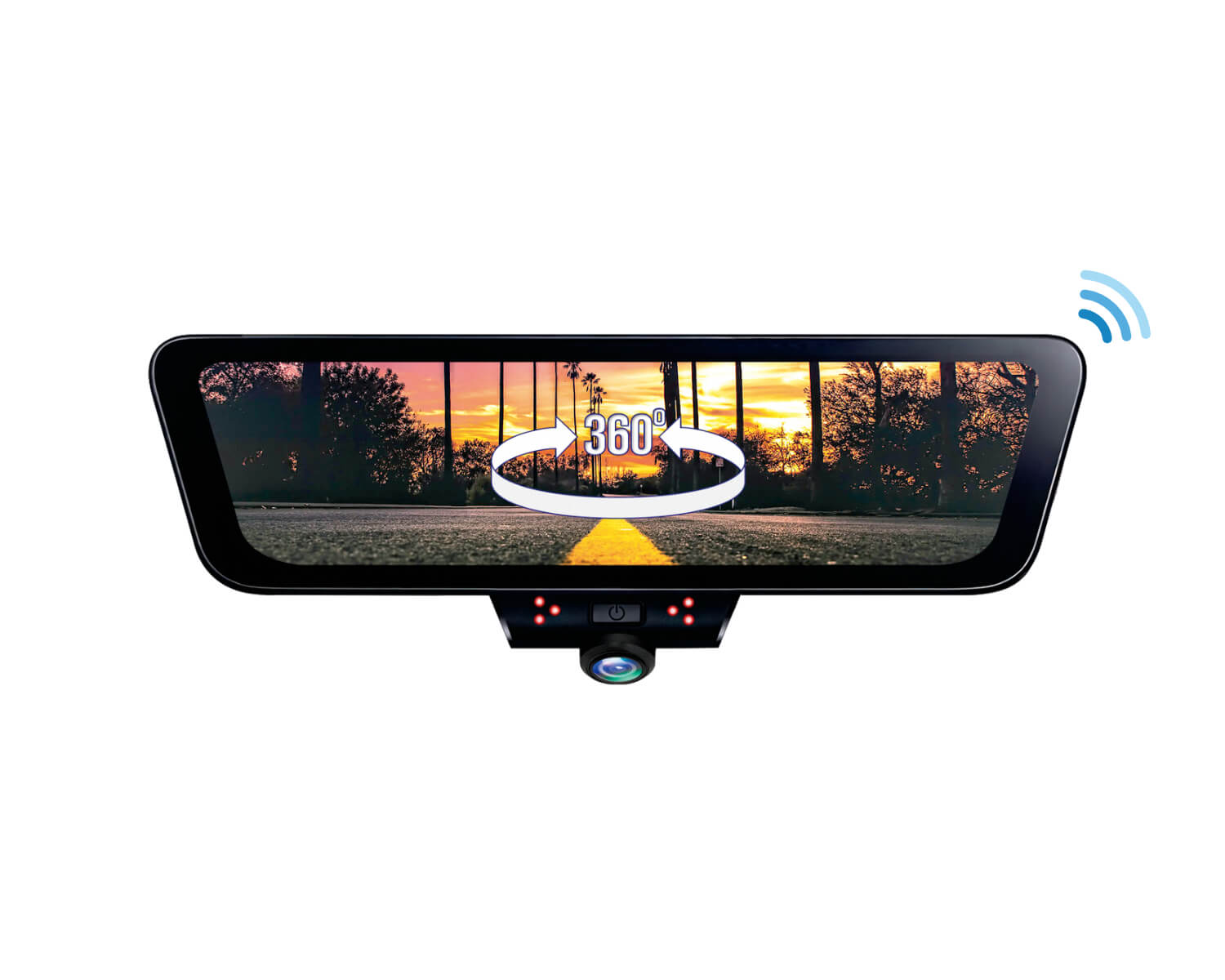
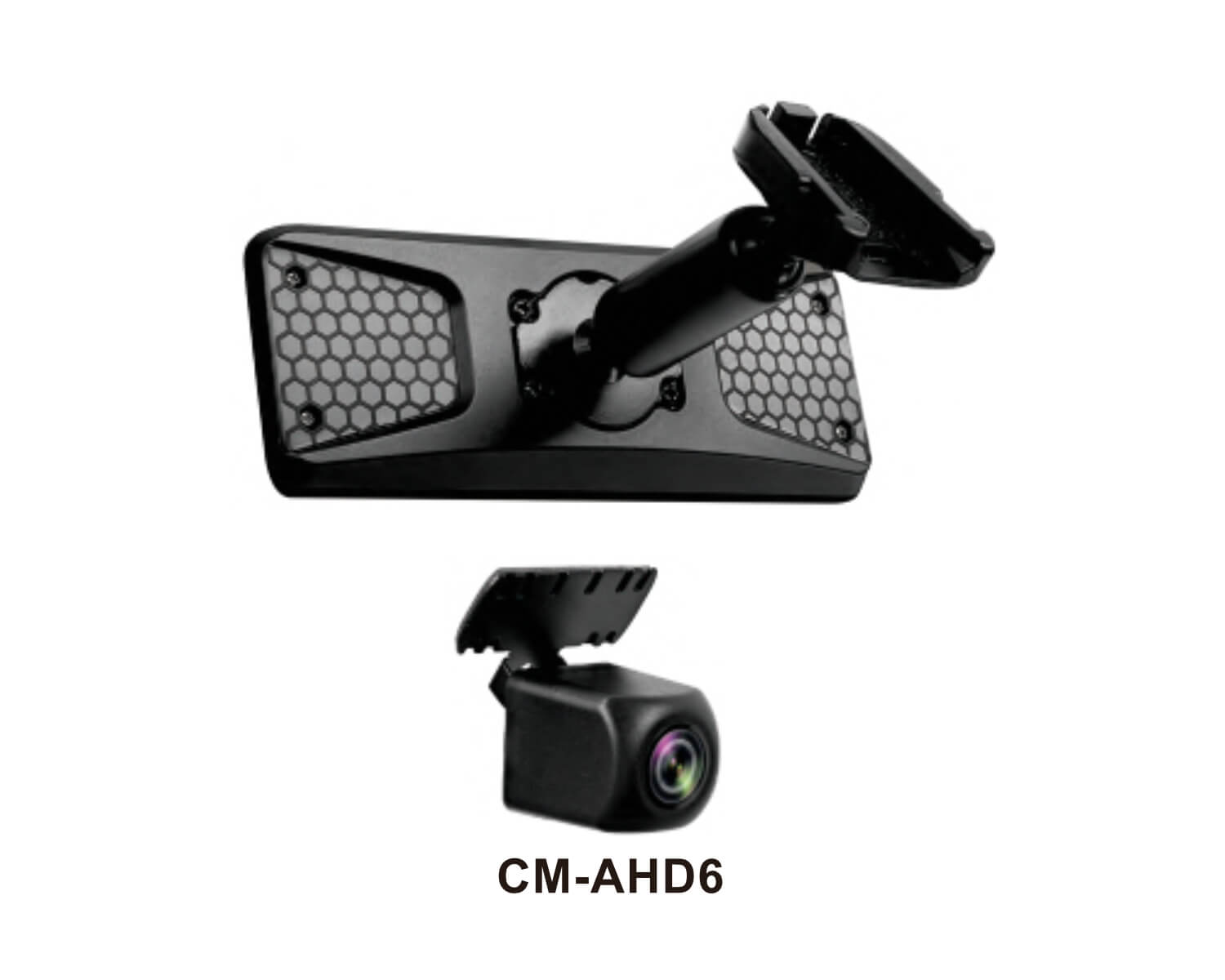
2-channel 360° rearview mirror touchscreen dash camera system featuring a full 360° surround-view display, integrated GPS tracking, smartphone connectivity, and a waterproof AHD rear camera.
10” HD touchscreen rearview mirror monitor with 360° surround-view display
2-channel recording with integrated 360° front camera and waterproof 1080p AHD rear camera
SONY STARVIS image sensor for enhanced day and night visibility
Built-in GPS tracking with smartphone app connectivity via 5.8GHz Wi-Fi
Experience a new level of driving awareness with the Rydeen TOMBO 360 DX. This advanced digital rearview mirror system combines a 10-inch HD touchscreen display with a full 360-degree surround-view camera platform, helping drivers see more of their surroundings while driving, parking, and recording their journeys.
The integrated 360° front camera works alongside the included waterproof 1080p AHD rear camera to provide comprehensive coverage and recording. Multiple viewing options allow drivers to switch between full panoramic views, rear camera monitoring, and split-screen displays directly from the touchscreen interface.
Equipped with a SONY STARVIS image sensor, the TOMBO 360 DX delivers excellent clarity in both daytime and nighttime conditions. Built-in GPS and 5.8GHz Wi-Fi connectivity allow users to access recordings, view location data, and manage footage directly through the companion smartphone app.
For added security, the system includes 24-hour parking monitoring, a smart proximity sensor, adjustable parking guidelines, and G-sensor emergency recording that automatically protects important footage during impacts or unusual vehicle movement. Combined with a super capacitor power design and included 32GB microSD card, the TOMBO 360 DX is engineered for reliable long-term performance.
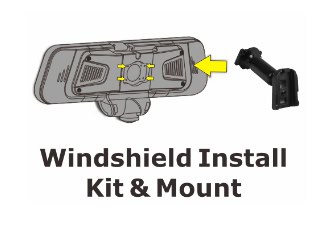
Windshield Install Kit & Mount
Use the backpack adaptor to mount the TOMBO 360X on your windshield as a full replacement mirror.
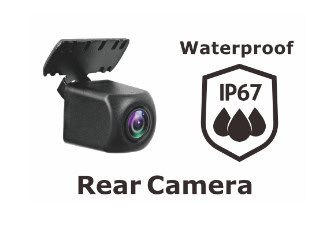
Rear Camera
With the addition of the AHD rear camera, drivers will be able to view live stream backup image and record simultaneously. Basically, drivers can view the rear camera video image as a rear view mirror, especially convenient for cargo vans and utility trucks with no visual of the rearview mirror.
Proximity Sensor
Using the proximity sensor will allow you to trigger the TOMBO 360X and record video of what was happening while the vehicle was parked. Combined with the additional back up camera, you will record on that camera as well.
Streaming Rear View Monitor
Stream the rear camera for a live view of what is going on behind you. This is great for cargo vans and utility trucks with no visual of the rearview mirror.
Front / Rear 2-CH Recording
With the addition of the rear camera, the TOMBO 360X will record and store both the front and rear camera on the DVR. Giving you the additional feature of TOMBO 360X as a 2-channel recording device.
Split Screen Views
Option to select between 360-degree view, dash cam view and dual or tri-split mode.
Sony Starvis
STARVIS is a pixel illuminated technology used in the TOMBO 360X camera sensor enables HD with high-dynamic range recording and playback.
360 Surround View & Play Back
Instantly playback video files from the TOMBO 360X and use the touch screen to view the 360-degree view. You can also use a PC to play back the videos and view them in 360-degree mode with your mouse. Video software needed for 360 playback which is stored on internal microSD card can be installed to your PC.
Touch Screen Operation
Touch screen allows you to navigate the interface to display your choice of view settings and also play back DVR files.
Micro SD Card
Included with your rearview mirror monitor is a 32GB Micro SD card to be used right away. You can always upgrade to a 400GB for max card size.
Super Capacitor
For stable DVR functions. Avoiding premature shut down and power loss while the recording process is in progress.
G-Sensor for SOS Video Recording
G-sensor is used for parking monitoring and unusual driving behavior. Recordings will lock files and stamp the file as “SOS” to be viewed later. The only way to remove these “SOS” files is to manually delete.
GPS Location Tracking Map Display
GPS will track your location and record time of all DVR video files for playback.